



Welcome centre
Whether you’re a first time investor or a seasoned trader, knowing how to best use nabtrade can help set you up for success.
Here you'll find everything you need to know about setting up your account, customising your experience, placing a trade and much more.
Once you've logged into nabtrade for the first time, get your account set up and personalised based on your preferences. For information about which browsers are compatible with nabtrade, visit our browser specifications page.
- Set up your account
- Customise your experience

Outstanding actions
Check whether you have any outstanding actions on your account: Login > Settings > You have outstanding actions you need to review > View. This may include finalising your verification or completing any transfers of shares to your new nabtrade account. Find out more about outstanding actions.
Transfer your existing shares
Find out how you can Transfer Broker Sponsored Shares and Transfer Issuer Sponsored Shares to nabtrade.
Activate your international account (if applicable)
Before we can activate your international account, we need to verify some information from you in order to meet our global tax obligations. Simply log into your account and go to Settings > Service notifcations and actions > Outstanding actions and follow the prompts.
If you haven’t already, all account holders will need to supply their TFN by logging into nabtrade and going to Settings > Profile > Citizenship and tax residency. To update select Edit.
Set up dividend crediting
Get your dividends automatically credited to your nabtrade Cash Account: Login > Settings > Portfolios and accounts > Permissions > scroll down to the relevant account and select Dividend Crediting.
Open a nabtrade High Interest Account
Put your cash to work while you find your next investment opportunity. Login > Products > High Interest Account - then follow the prompts to set up your new High Interest Account.
Set your preferred trading and cash account
Do you have multiple trading and cash accounts and want to set one as a default? Go to: Login > Settings > Profile > Profile Settings > Default Accounts.
Change account nicknames
Nickname your accounts for easier identification: Login > Portfolio and accounts > Accounts then simply edit the name of your account/s.
Alerts
Set up auto alerts to stay up to date with sensitive information that affects your portfolio: Login > Tools > Alerts > Create new alert > tick boxes based on preference > Create Alert.
You can also add other types of alerts through: Login > Settings > Communication Preferences > Notifications > Edit > Save.
Notifications
Set up notifications such as End of Day Portfolio Holdings and Confirmations Generated: Login > Settings > Communication preferences > Notifications > Edit > tick boxes based on preference > Save.
Popular FAQs
How do I set up my account for international trading?
What are the eligibility criteria for trading international shares?
How do I activate my trust/SMSF trading account?
What is an outstanding action and what do I need to do?
How do I transfer Issuer Sponsored shares to nabtrade?
How do I transfer Broker Sponsored shares to nabtrade?
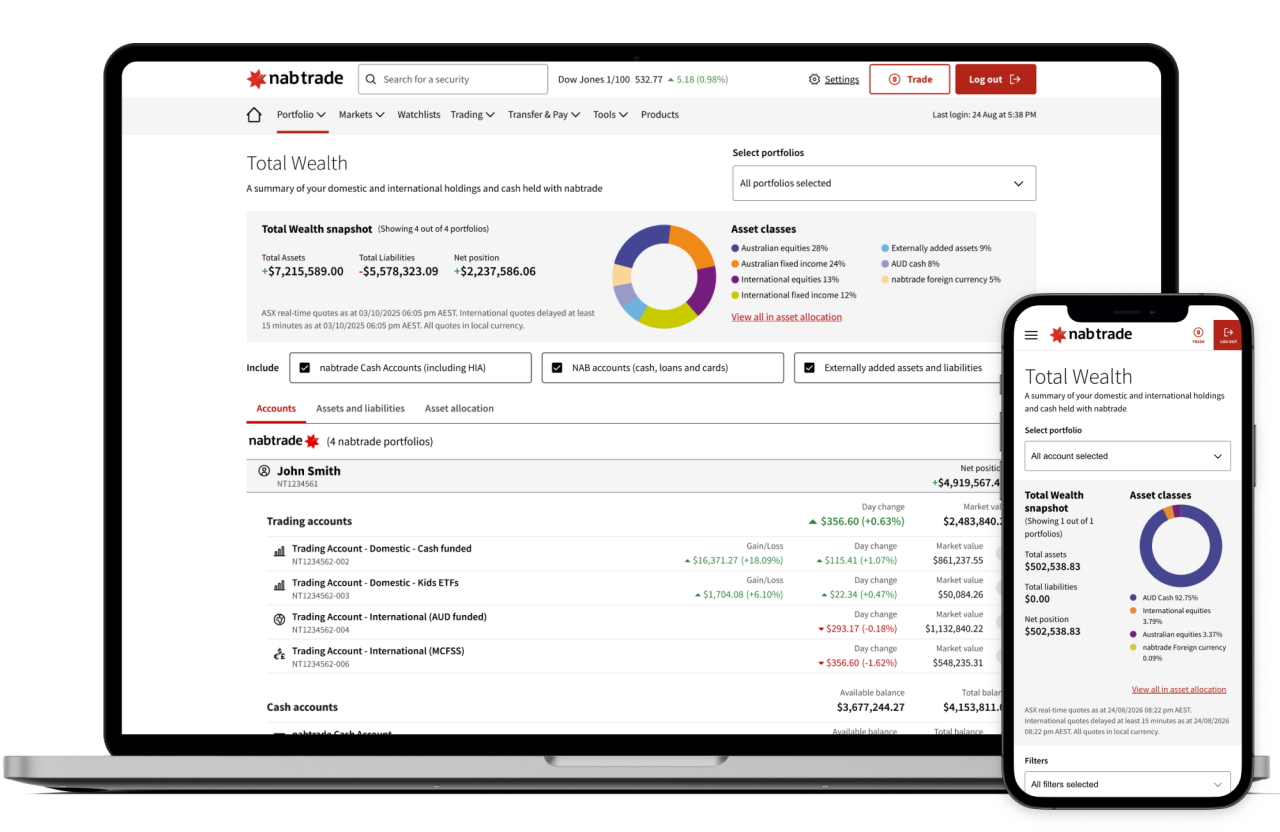
Our platforms. Your choice.
With multiple ways to access your nabtrade account, our range of platform options means you can trade at home or on-the-go with ease.
Desktop
Our most feature rich experience, with the full range of investment tools, videos and insights. Simply log on and get started.
Mobile
Download the free app (iOS and android available) from the Apple App store or Google Play and check your positions, access company research, transfer cash and trade on the go.
Questions? View our app guide for help.
IRESS ViewPoint
nabtrade’s active trader platform featuring sophisticated tools and the ability to fully customise your experience. Find out more about IRESS ViewPoint.
Need more help?

Forms and resources

FAQs