

What is my User ID?
Your User ID is the login ID you use to log into nabtrade.
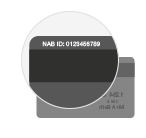
For most NAB customers this your NAB ID and is the same number you use to log into internet banking with. This can and can often be found on the back of your personal bank cards.
If you are not a NAB bank customer your User ID will have been emailed to you when you opened your nabtrade account. If you’re still not able to locate this, you will need to call or email us.
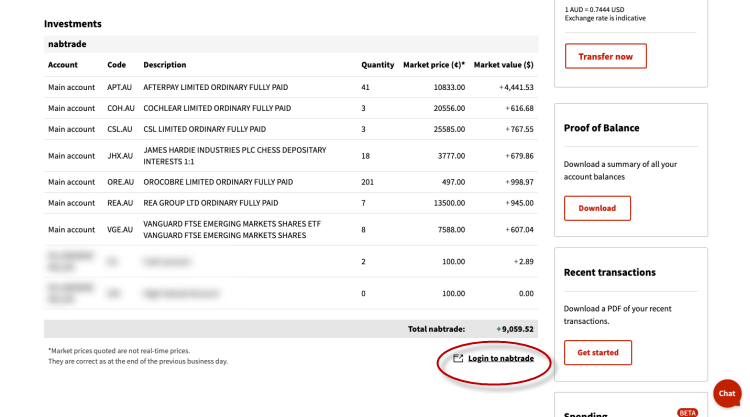
HELPFUL HINT: If you are a NAB Internet Banking customer you can log into nabtrade via Internet Banking. Simply log into internet banking and select nabtrade under the Investments and superannuation heading.